Your name and colours
From the icon on the phone to the reminders it sends, the app looks and sounds like your company.
The staff app is what your people use: one app for learning, wellbeing and news from the company, under your company’s own name. They open it at the start of a shift, check in, learn something small and get on with the day.
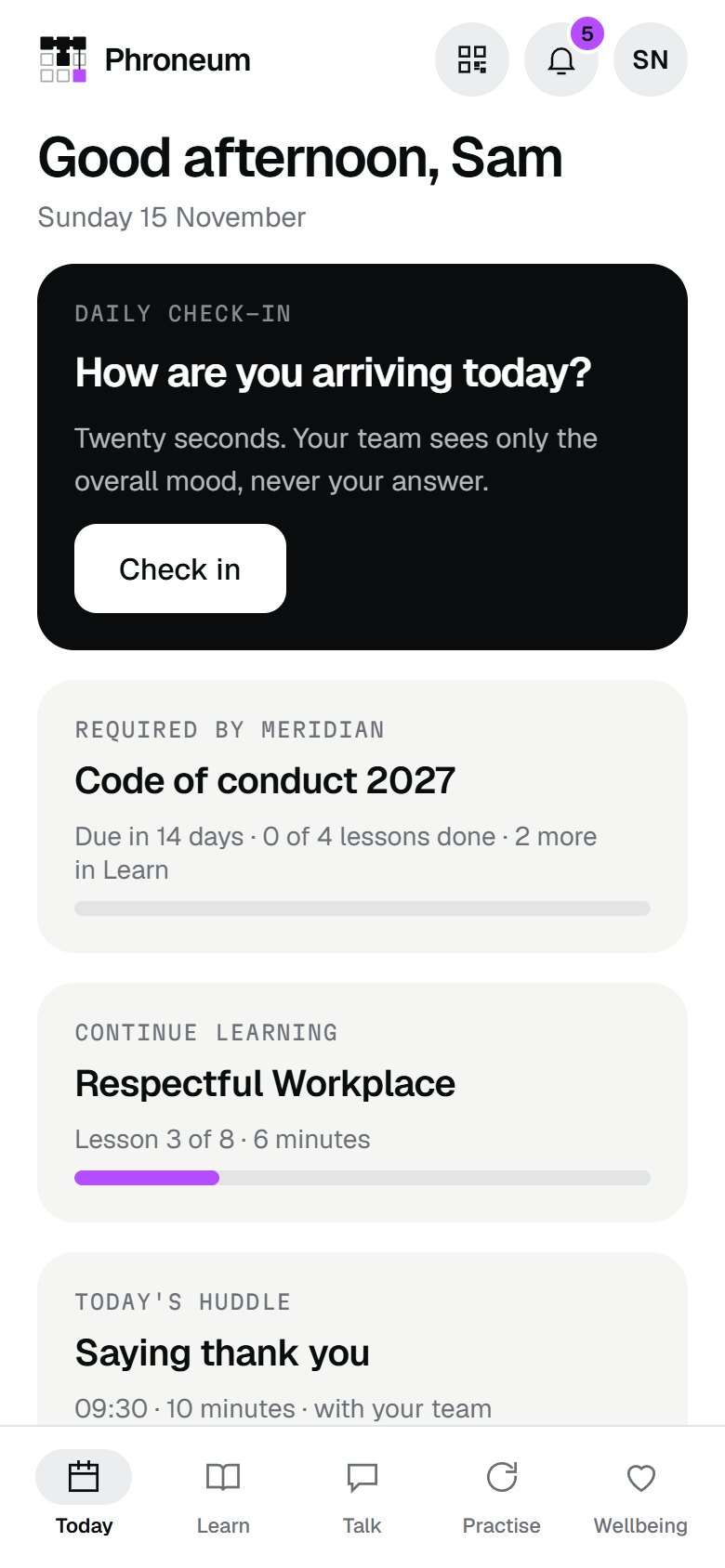
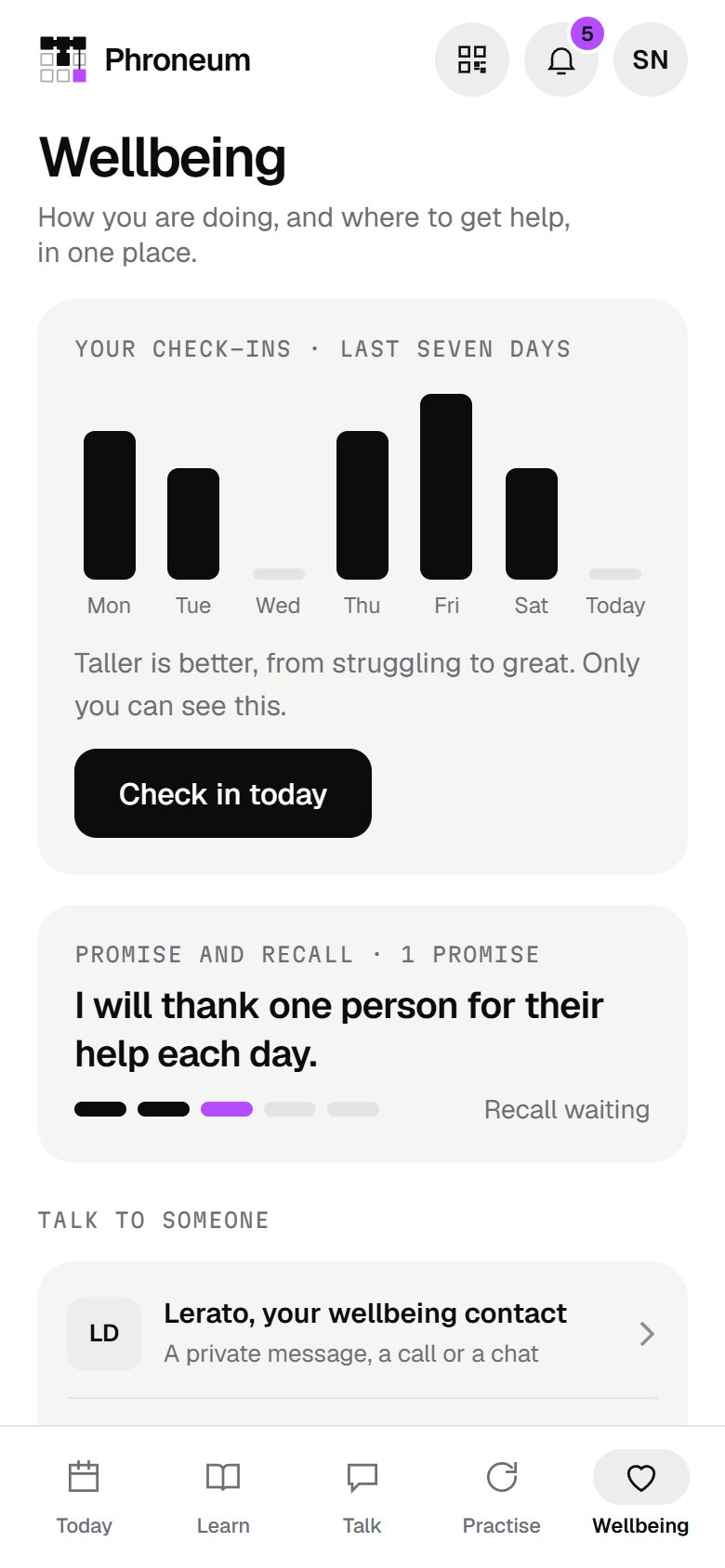
Twenty seconds: how are you arriving, and what is on your mind. When someone is low, the app offers help straight away, and only if they ask does a named person follow up.
Required training with its due date, the lesson to continue, today’s huddle and this week’s promise. Nothing to hunt for.
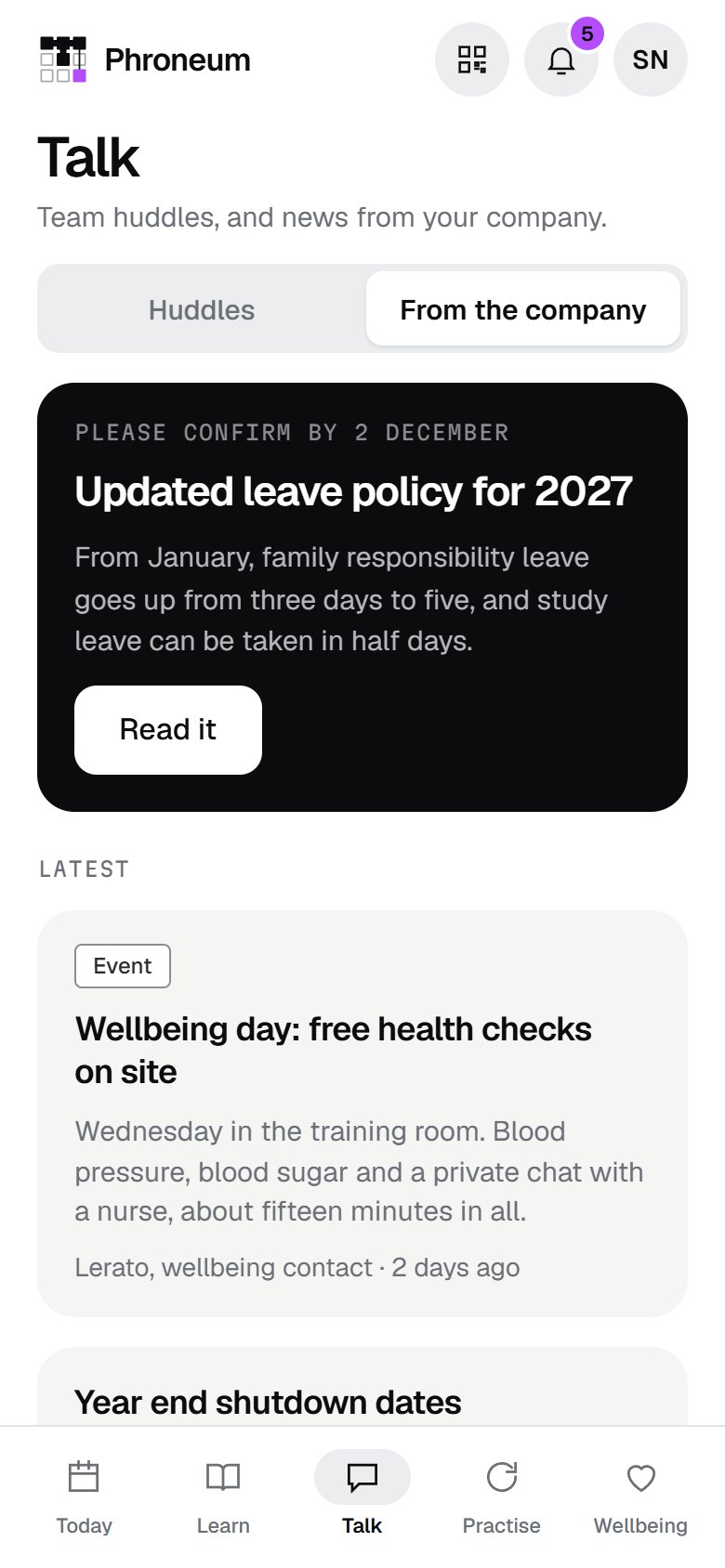
Ten minute team huddles led from a ready made guide. News from the company reaches people who never sit at a desk, and policies ask them to confirm they read them.
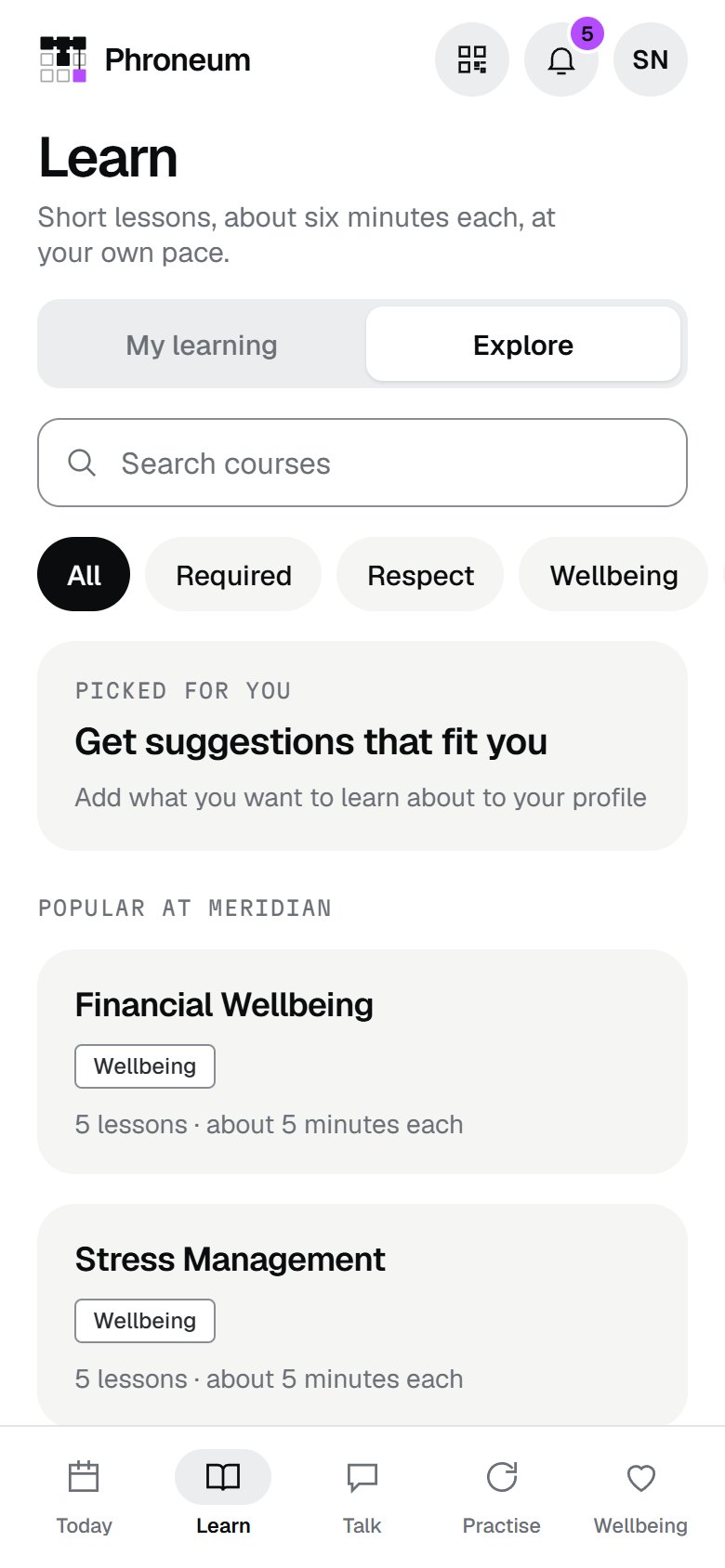
A short idea, a real situation to judge and one thing to try this week. A library to explore, with courses picked for each person.
Role plays with an AI coach: choose what to say, see how it lands, and hear why. Private, and as many tries as a person wants.
Each person sees their own week of check-ins and can reach a named wellbeing contact or a 24 hour line in two taps.
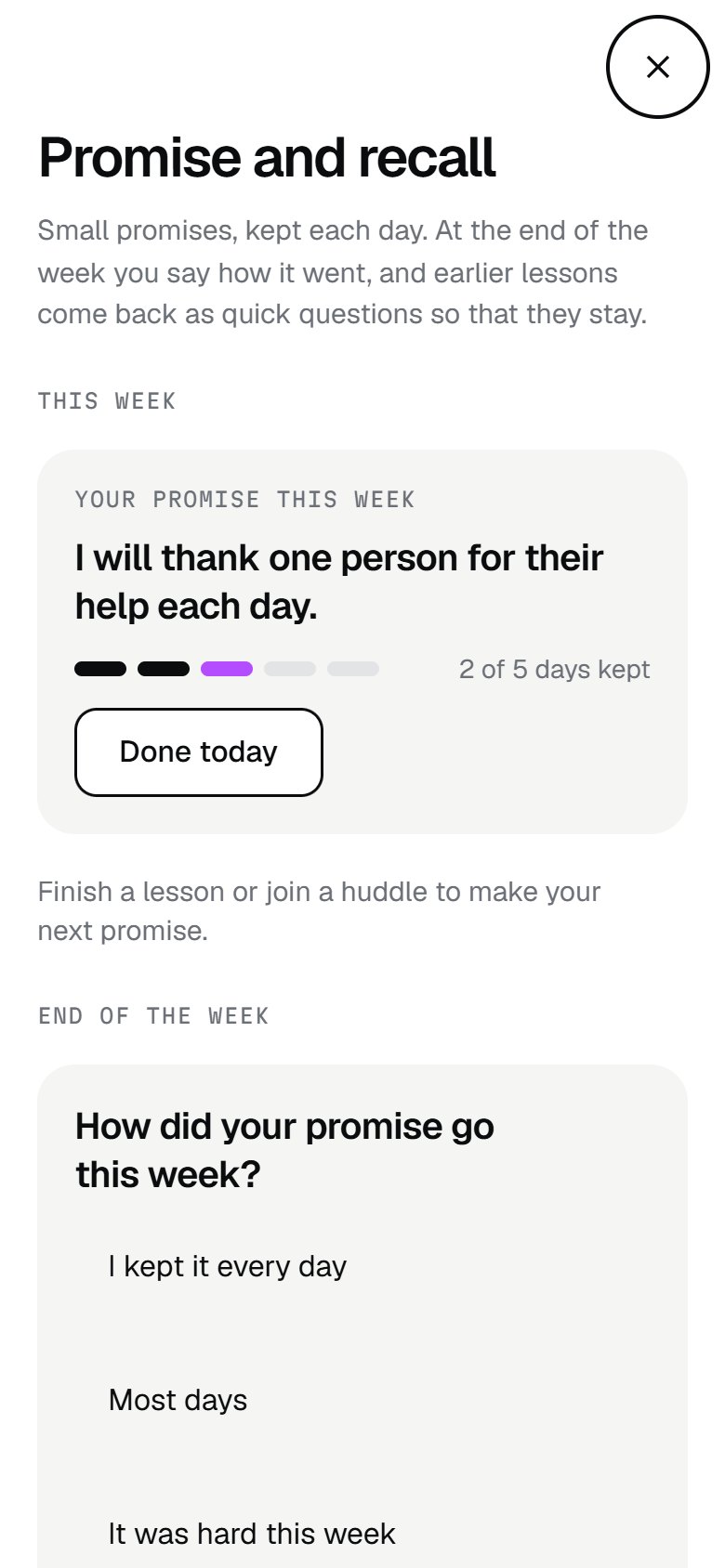
The week’s promise comes back with a simple question: how did it go? Two quick recall questions bring earlier lessons back, so they stay.


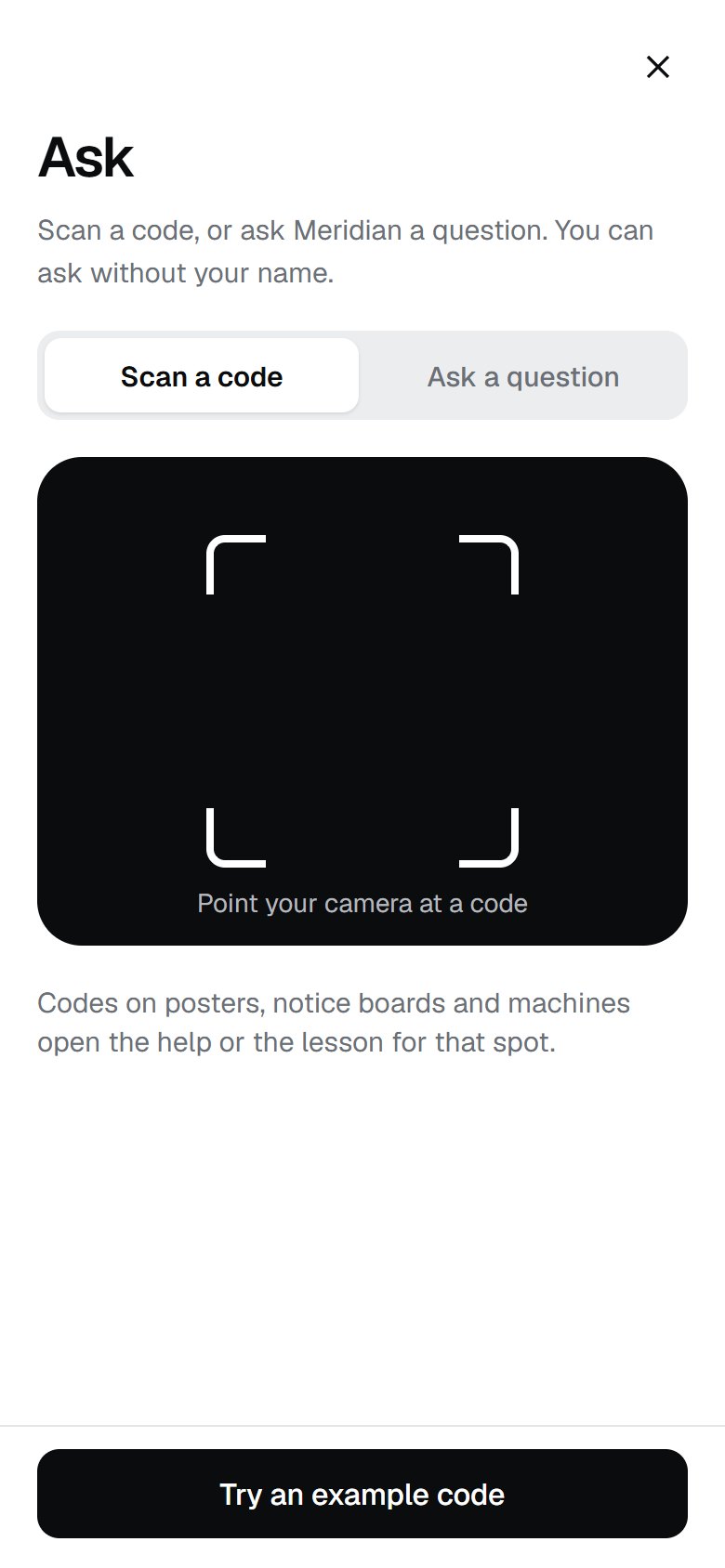
Codes on posters, notice boards and machines open the right help or lesson for that spot. People can ask the company anything, or report something that is not right, with or without their name.
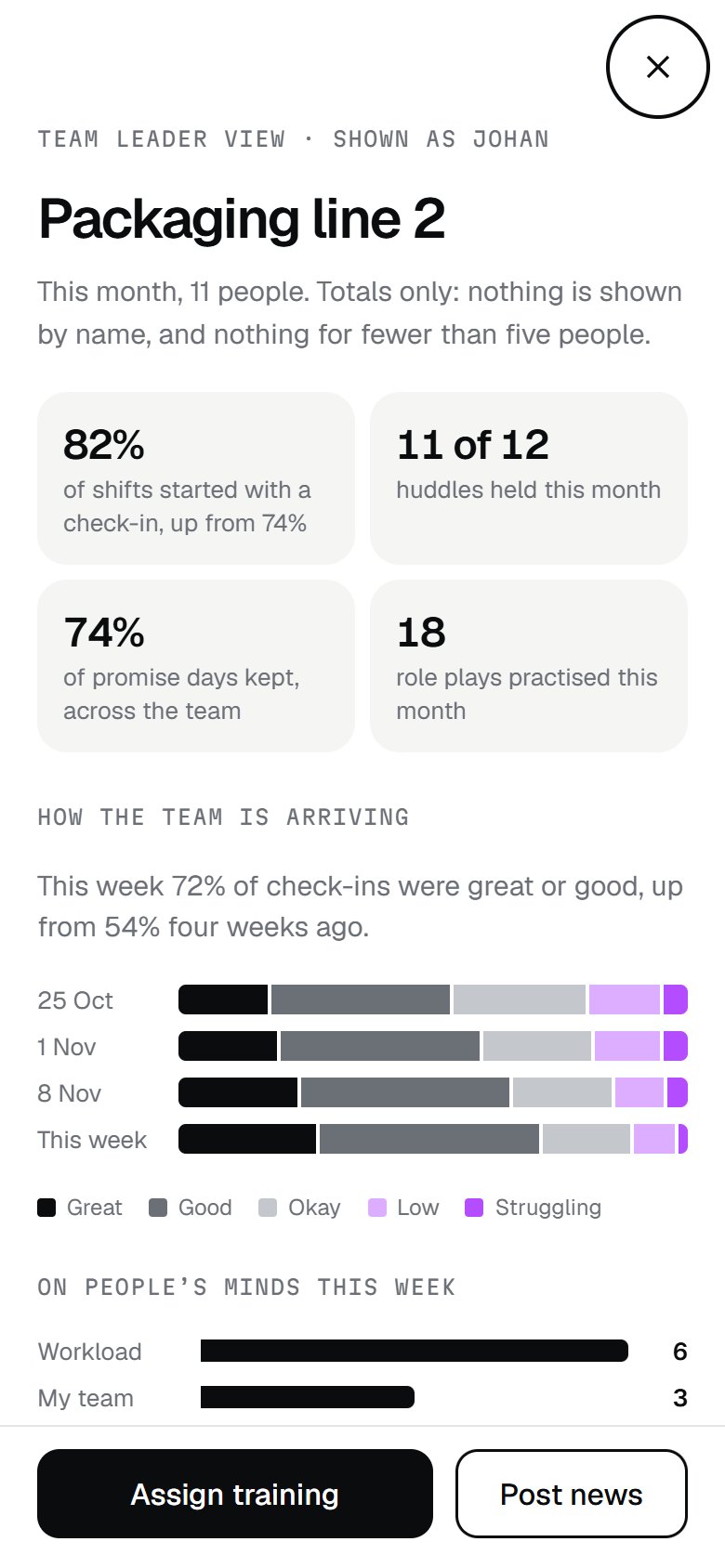
Team leaders see how the team is arriving, what is on people’s minds, huddles held, training done and promises kept. They can assign a course or post news to the team in a minute.
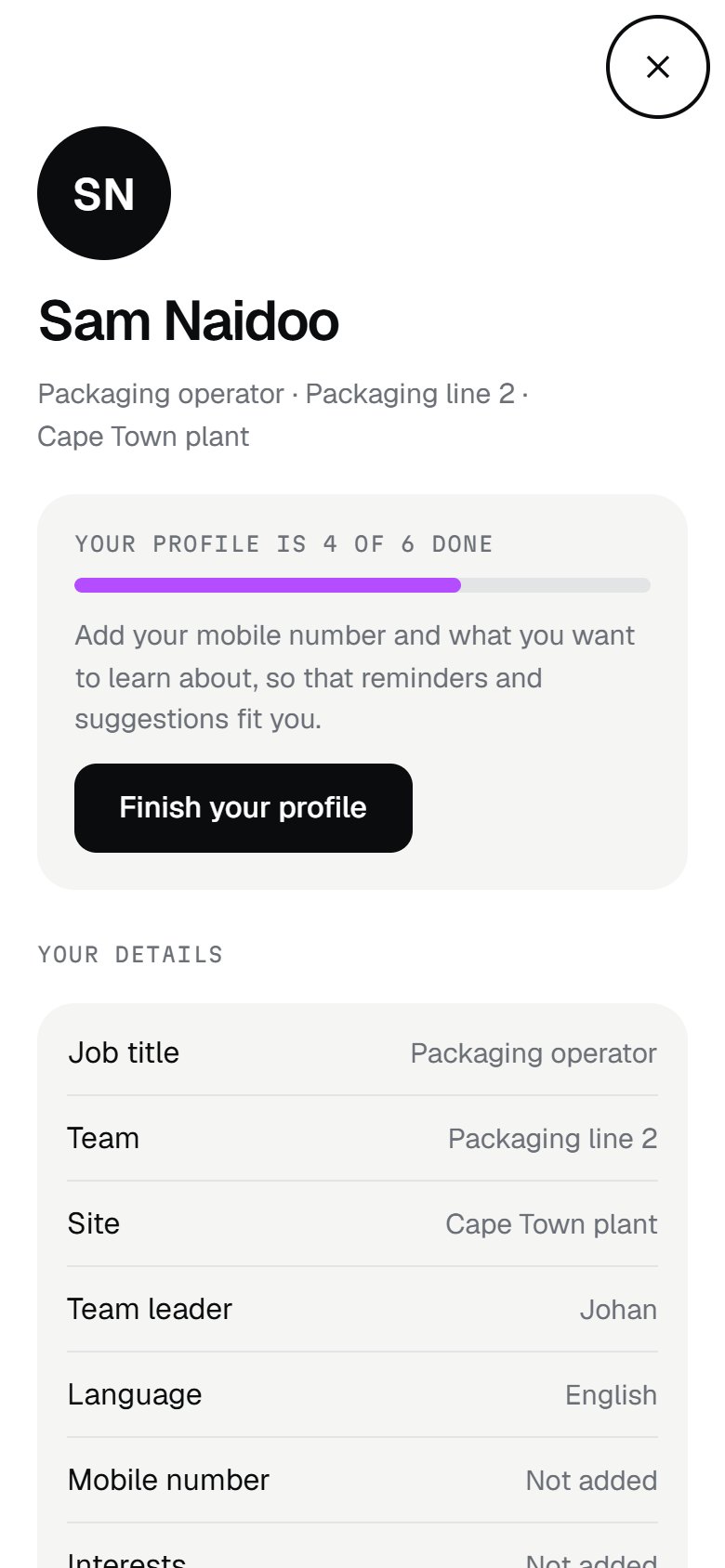
Name, job title, language and what they want to learn about. They choose their reminders and quiet hours; required training reminders stay on, because the company sets them.
Each company gets its own build of the app, with its own name, logo and colours. Phroneum runs underneath, and the platform runs it from the web.
From the icon on the phone to the reminders it sends, the app looks and sounds like your company.
Lessons in English, Afrikaans and isiZulu, with more languages on the way.
Check-ins, notes and practice belong to the person. Leaders see totals, and nothing for fewer than five people.
We show you the app with your company’s name and colours, and example content from your own industry.